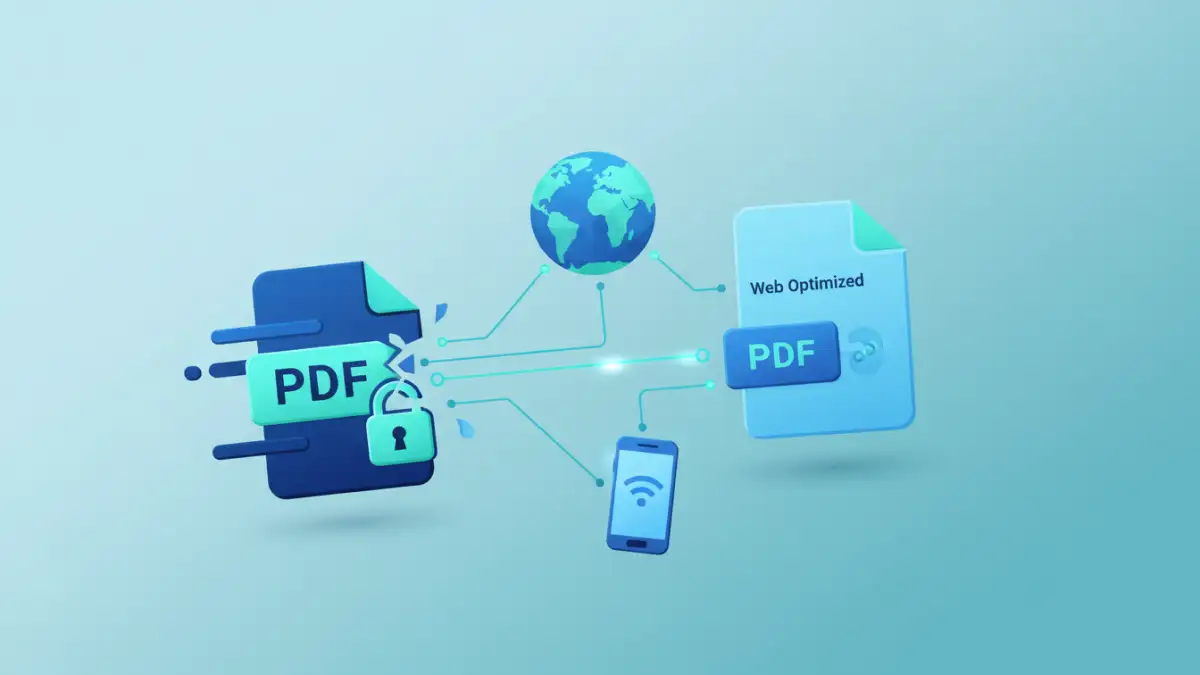
Working with encrypted documents on the fly often presents a unique set of challenges, especially when you need them to be easily accessible and readable across various devices. As a software engineer, I've seen countless scenarios where crucial information, locked behind a password, becomes a bottleneck for efficient communication or quick decision-making, particularly on mobile devices or within web browsers. The core problem lies in balancing robust security with the need for seamless user experience.
Many organizations rely on secure PDFs to protect sensitive data, but these files can often be cumbersome. They might load slowly, render poorly on smaller screens, or require specific software that users don't have installed. My goal here is to share practical strategies to optimize pdf for web and mobile, ensuring your secure documents are truly web-optimized documents that offer a mobile friendly pdf experience without sacrificing their essential security.
Table of Contents
Understanding the Challenge of Secure PDFs
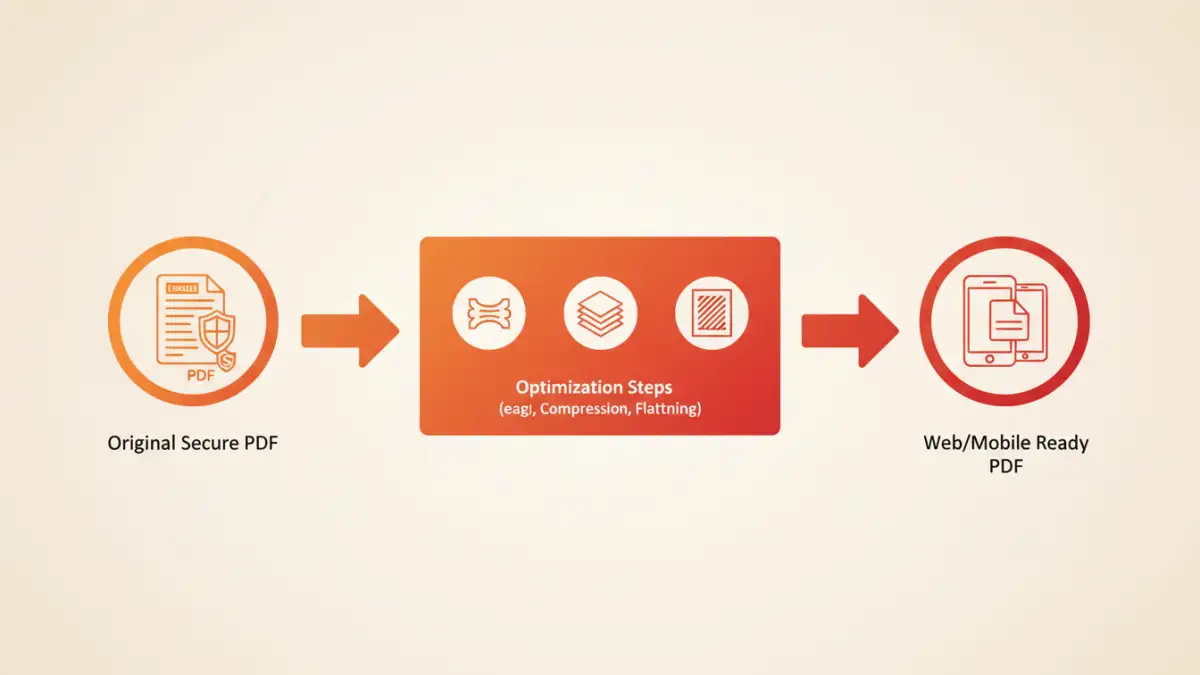
Secure PDFs are designed with protection in mind, often employing encryption to restrict access, printing, or editing. While this is vital for data integrity, it introduces complexities when aiming for broad accessibility and smooth performance on diverse platforms like web browsers and mobile apps. The very mechanisms that secure a PDF can sometimes hinder its ability to be a truly mobile friendly pdf.
The primary conflict arises because security features, such as strong encryption and digital rights management (DRM), add layers of processing that viewing applications must contend with. This can lead to slower loading times, increased memory consumption, and potential rendering inconsistencies, particularly on devices with limited resources.
Encryption vs. Optimization
When we talk about PDF security, we're typically referring to encryption – locking the content with a password or certificate. Optimization, on the other hand, involves reducing file size, simplifying internal structures, and enhancing rendering speed. These two objectives can seem at odds.
A heavily encrypted PDF, especially one with complex graphics, large images, or embedded fonts, will naturally be larger and require more computational effort to decrypt and display. The trick is to find ways to optimize the PDF's content *before* or *during* the security application process, or to streamline the secure viewing experience itself.
Common Viewing Issues
Users often face several issues with secure PDFs. Slow loading is a frequent complaint, especially over slower network connections. Poor rendering, where text or images appear distorted or low-resolution, is another common problem on mobile devices due to varying screen sizes and display engines.
Furthermore, some older or less robust PDF viewers might struggle with specific encryption standards or complex PDF features, leading to compatibility headaches. This fragmented experience undermines the goal of web optimized documents that are universally accessible.
Strategies to Optimize Secure PDFs for Web and Mobile

To create a truly mobile friendly pdf that's also secure, you need a multi-faceted approach. It involves making smart decisions at the creation stage and sometimes applying post-processing techniques, always keeping the end-user experience in mind.
My experience has shown that addressing optimization early in the document lifecycle yields the best results. Waiting until the PDF is already encrypted often leaves fewer, more complex options for improvement.
Pre-processing Techniques
The most effective way to optimize pdf for web is to do it before applying security. This includes reducing image resolutions to 72-150 DPI, compressing images (e.g., using JPEG 2000 for photos or JBIG2 for monochrome images), and flattening transparent layers or complex vector graphics. Removing unnecessary metadata, unused fonts, or bookmarks can also significantly reduce file size.
Tools like Adobe Acrobat Pro or various open-source utilities offer robust pre-processing capabilities. By creating a lean PDF first, you ensure that the subsequent encryption process isn't adding overhead to an already bloated file, making the final document lighter and faster for secure viewing.
Content Reflow and Responsiveness
True content reflow for PDFs remains an elusive goal, as PDFs are primarily fixed-layout documents. However, some modern PDF viewers and conversion tools attempt to reflow content for better mobile readability. This often involves converting the PDF content into a web-friendly format like HTML or using advanced rendering engines that can dynamically adjust text size and layout.
While not a native PDF feature, considering content reflow for your secure documents might involve providing an alternative HTML version for mobile users, or leveraging PDF viewers that have advanced reflow capabilities, allowing for a more responsive and mobile friendly pdf experience.
Leveraging Browser Features and Online Tools
For many users, the browser is the primary interface for viewing documents. Understanding how browsers handle secure PDFs, and knowing when to use trusted online tools, can significantly enhance the secure viewing experience.
I've often advised colleagues to utilize built-in browser functionalities for quick solutions, while also highlighting the importance of caution with third-party online services.
Browser-Native PDF Viewers
Modern web browsers like Chrome, Firefox, and Edge have built-in PDF viewers that are quite capable. If a secure PDF is opened in a browser, and the user provides the correct password, the browser will typically decrypt and display the document directly. This offers a relatively seamless experience without needing external software.
However, these native viewers usually don't offer advanced optimization features. Their primary function is to display the document as-is once decrypted. For a truly web optimized document, you'd still rely on pre-processing or server-side solutions.
Trusted Online Optimization Services
Several reputable online services (e.g., Smallpdf, iLovePDF) offer PDF optimization and even password removal (if you have the password). These tools can compress file sizes, remove unnecessary elements, and generally make a PDF more lightweight. If you have the owner password, you could remove security, optimize the PDF, and then re-apply security with a new user password.
When using online tools, always exercise caution regarding data privacy. For highly sensitive documents, it's generally safer to use desktop software or server-side solutions where the data doesn't leave your control. For less sensitive documents, these services can be a quick way to optimize pdf for web.
Advanced Considerations for Enterprise Deployments
For organizations with high volumes of secure documents or stringent security requirements, basic browser viewing might not suffice. Enterprise-level solutions often involve more sophisticated approaches to ensure secure viewing and compliance.
In my work, I've implemented systems that go beyond simple file serving, integrating with existing security infrastructure.
Server-Side Rendering and Dynamic Content Delivery
One powerful approach for web optimized documents is server-side rendering. Instead of serving the entire PDF file to the client, the server dynamically renders pages or sections of the PDF into images or HTML snippets as the user navigates. This means the client only receives what's currently visible, significantly reducing initial load times and bandwidth.
This method allows for fine-grained control over security, as the original secure PDF never leaves the server. It also ensures consistent rendering across devices, making it an excellent strategy for a truly mobile friendly pdf experience within a secure environment. Implementing this often requires dedicated PDF rendering libraries or services.
Dedicated PDF Viewers and SDKs
Many companies opt for dedicated PDF viewer libraries or Software Development Kits (SDKs) that can be integrated into web applications or mobile apps. These SDKs often come with advanced features for both security and performance, including optimized rendering engines, support for various encryption standards, and even client-side caching.
These solutions provide a consistent and controlled secure viewing experience, allowing developers to customize how secure PDFs are handled, displayed, and interacted with, ensuring a robust and mobile friendly pdf delivery.
Best Practices for Secure Distribution and Seamless Viewing
Achieving the right balance between security and usability for your web optimized documents requires adherence to certain best practices. It's not just about technology; it's also about process and user education.
Based on my years of experience, a proactive approach to document management and user support is key.
- Educate Users: Provide clear instructions on how to access and view secure PDFs, especially on mobile devices. Explain password requirements and any necessary software.
- Regularly Review Security: Periodically assess the security settings of your PDFs. Are the encryption levels still appropriate? Are there unnecessary restrictions that hinder legitimate access?
- Consider Alternative Formats: For information that doesn't absolutely require the fixed layout of a PDF, consider providing secure HTML pages or other web-native formats that are inherently more mobile-friendly.
- Test on Multiple Devices: Before broad distribution, test your secure PDFs on a range of web browsers and mobile devices (iOS, Android) to ensure a consistent and positive secure viewing experience.
- Provide Fallbacks: Always have a plan B. If a user cannot access a secure PDF, provide a clear contact point or an alternative method to obtain the information.
Approaches to Optimizing Secure PDFs
| Method | Security Control | Optimization Effort | Web/Mobile Viewing Impact |
|---|---|---|---|
| Pre-Encryption Optimization | High (set by creator) | Low to Medium | Positive (smaller file, faster load) |
| Server-Side Rendering | Highest (content never leaves server) | High (development) | Excellent (dynamic, responsive) |
| Client-Side Browser Processing | Medium (user provides password) | Low (user dependent) | Good (if unlocked, browser-native) |
| Dedicated PDF Viewers/SDKs | High (customizable) | Medium to High (integration) | Excellent (consistent, feature-rich) |