Working with password-protected documents can be frustrating, especially when you've forgotten the password or inherited a file without credentials. OpenDocument files, commonly used by LibreOffice and OpenOffice, are no exception. These documents can contain vital information, and being locked out can halt productivity. Fortunately, there are several approaches and tools designed to help you regain access.
As someone who has navigated countless data recovery and security challenges over the years, I understand the urgency and sensitivity involved. My goal is to provide a clear, actionable guide to the best methods available for tackling this common issue, ensuring you can access your important files again.
Table of Contents
Understanding ODF Security
OpenDocument Format (ODF) files, such as .odt for text documents, .ods for spreadsheets, and .odp for presentations, can be protected with passwords. This encryption is typically implemented using standard algorithms, though the strength can vary depending on the software version and specific implementation. Understanding how this protection works is the first step towards finding a solution.
Encryption Levels in ODF
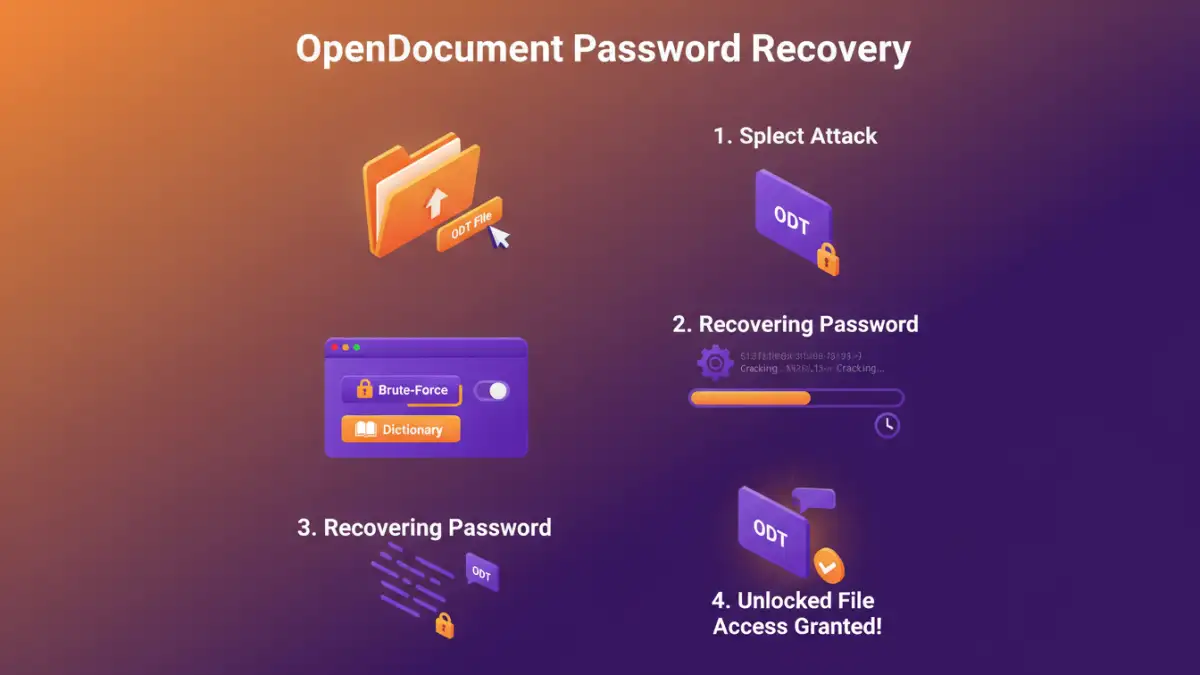
Modern ODF implementations often use robust encryption like AES-256. Older versions might use weaker algorithms. The password itself is the key. If the password is strong, brute-force attacks become computationally expensive and time-consuming. This is why many tools focus on password recovery or bypass rather than direct decryption of very strong passwords.
Manual and Browser-Based Methods
In some specific scenarios, particularly with older versions or weaker password implementations, you might be able to bypass the password without specialized software. One common technique involves renaming the file extension and manipulating its internal structure, though this is highly dependent on the exact encryption used.
The ZIP Extraction Trick
ODF files are essentially ZIP archives. By changing the file extension from .odt (or .ods/.odp) to .zip, you can open the file with any ZIP utility. Inside, you'll find an XML file, often named 'content.xml'. If the password protection is basic, sometimes the password information can be found or manipulated here. However, for strong encryption, this file will be encrypted itself, rendering this method ineffective.
This method is more of a historical curiosity or a potential solution for extremely old or weakly protected files. For most modern ODF documents, you'll need more advanced tools.
Dedicated Password Unlock Software
When manual methods fail, dedicated password unlock software becomes the most viable option. These programs are specifically designed to tackle password protection on various file types, including OpenDocument formats. They employ different techniques to recover or remove passwords.
How Password Recovery Software Works
These tools often use brute-force attacks, dictionary attacks, or mask attacks. A brute-force attack tries every possible combination of characters. A dictionary attack uses a list of common words and passwords. A mask attack is a more refined brute-force method where you specify certain characteristics of the password (e.g., length, starting characters). The success rate and speed depend heavily on the password's complexity and the software's efficiency.
I've personally found that software utilizing GPU acceleration can significantly speed up brute-force attempts, making the process feasible for moderately complex passwords. Always ensure you're downloading software from reputable sources to avoid malware.
Online Document Security Tools
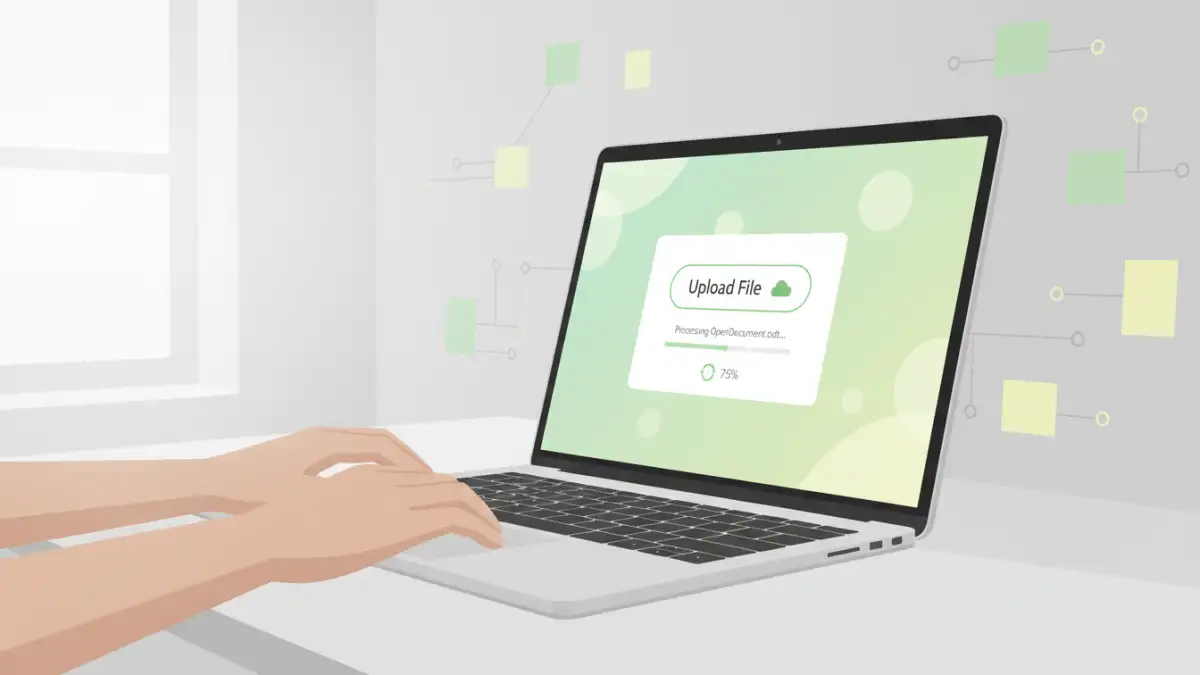
The convenience of online tools is undeniable. Several websites offer services to remove passwords from documents, including OpenDocument files. You upload your file, the service processes it, and you download the unlocked version.
Advantages and Disadvantages of Online Services
The primary advantage is ease of use and accessibility; no software installation is required. However, the major drawback is privacy. Uploading sensitive documents to a third-party server carries inherent security risks. It's crucial to choose a service with a strong privacy policy and a good reputation. Furthermore, online tools might have limitations on file size or the types of encryption they can handle.
Examples of Online Tools
Platforms like Smallpdf, iLovePDF, and others often provide password removal features. While they excel at common tasks, for complex or older ODF encryption, their success rate can be hit or miss. It's always worth trying a reputable online tool for simpler cases before moving to more complex software solutions.
Best Practices for Document Security
Preventing the need for password removal is always the best strategy. Implementing strong document security practices from the outset can save a lot of trouble. This involves choosing strong, unique passwords and keeping them securely stored.
Password Management
Using a reliable password manager is essential. These tools help you create and store complex passwords securely. They eliminate the need to remember numerous passwords and reduce the risk of using weak or reused ones. This proactive approach is far more effective than reactive password recovery.
Regular Backups
Another critical practice is maintaining regular backups of your important documents. If one version of a file becomes inaccessible due to forgotten passwords or corruption, you have a reliable backup to fall back on. Ensure your backups are stored in a separate, secure location.
Comparison Table: OpenDocument Password Recovery Methods
| Method | Pros | Cons | Best For |
|---|---|---|---|
| ZIP Extraction Trick | Free, no software needed | Only for very old/weak encryption, unreliable | Extremely basic protection |
| Online Password Removal Tools | Convenient, no installation | Privacy concerns, limited encryption support | Simple, non-sensitive documents |
| Dedicated Desktop Software | Powerful, handles various encryption types | Can be paid, requires installation, potential malware risk if not from trusted source | Complex or sensitive documents, reliable recovery |
| Password Managers | Secure password generation & storage | Doesn't remove existing passwords, requires setup | Preventing future lockouts |