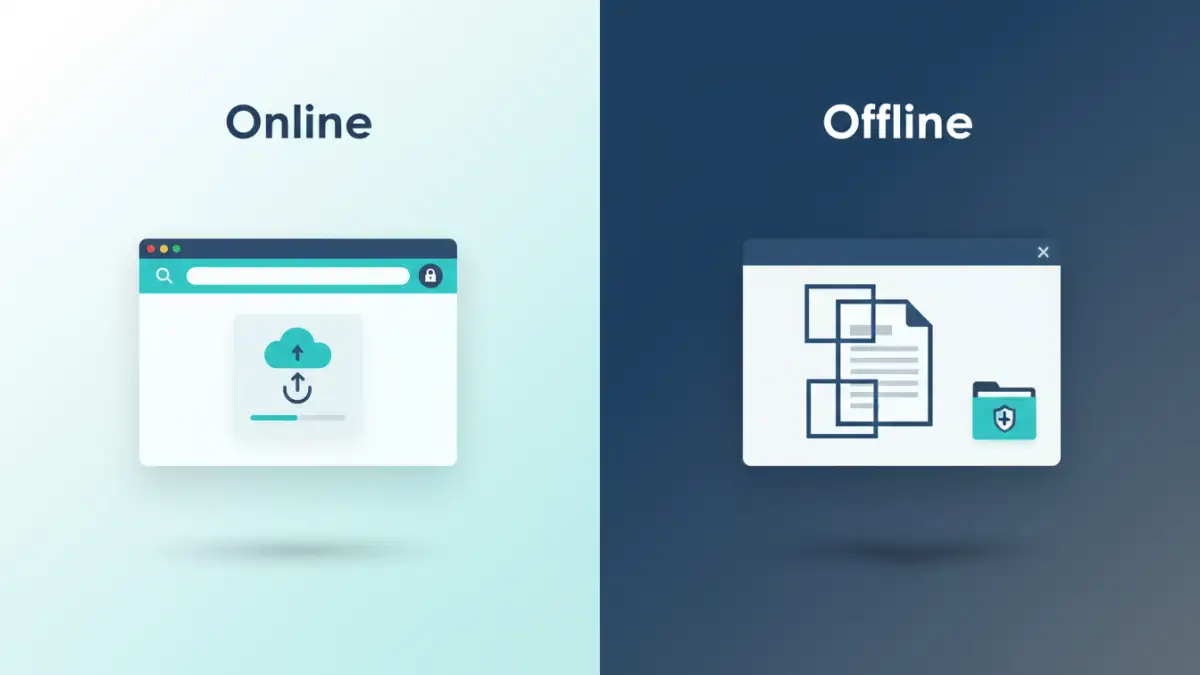
Navigating the world of sensitive information often requires careful handling, especially when sharing documents that contain personal, financial, or proprietary data. The need to remove or obscure this information before distribution is paramount, leading many to seek out effective document redaction tools. The choice between online convenience and offline control presents a critical decision point for individuals and organizations alike.
When I first started dealing with client data that needed strict privacy, the sheer volume of documents and the urgency of delivery meant I was constantly looking for efficient ways to manage this. This often led me to evaluate different types of tools, and the online versus offline debate quickly became a recurring theme in my workflow.
Table of Contents
Understanding Document Redaction
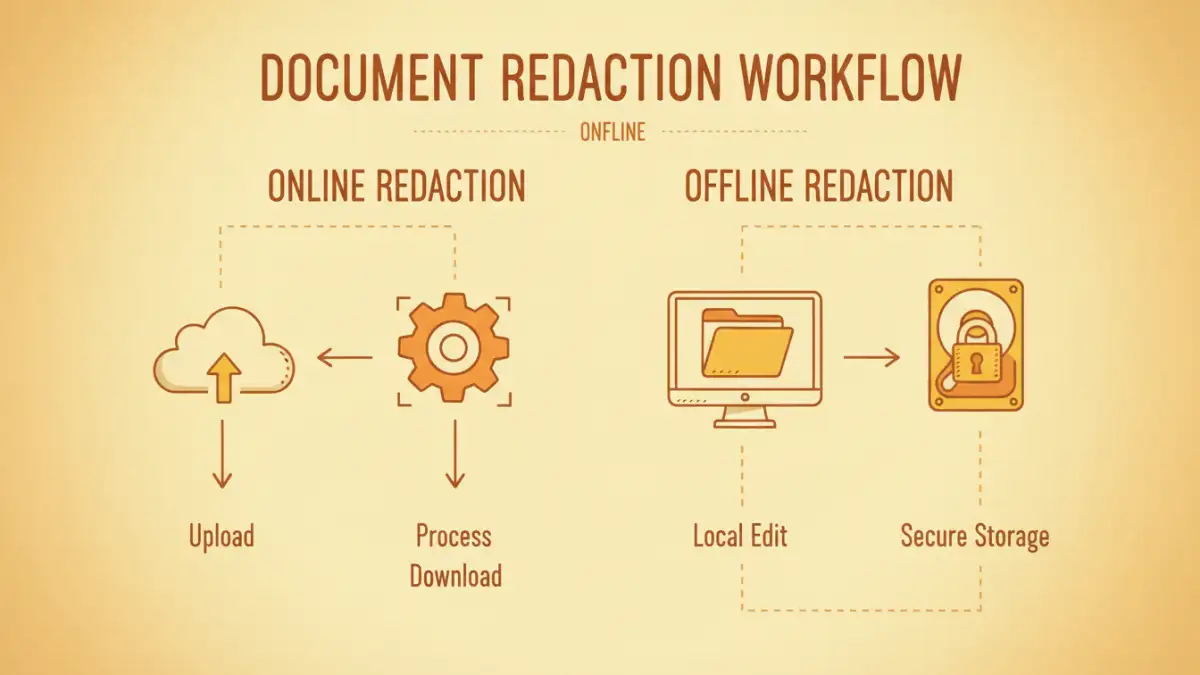
Document redaction is the process of permanently removing sensitive information from a document, such as names, addresses, social security numbers, or financial details, so it cannot be recovered. Unlike simply highlighting text or drawing a black box over it, true redaction involves altering the underlying data to ensure the information is irretrievable. This is crucial for maintaining privacy protection and adhering to legal or regulatory requirements.
Why Redaction is Essential
In today's data-driven landscape, breaches of sensitive information can have severe consequences, ranging from financial loss and identity theft for individuals to hefty fines and reputational damage for businesses. Implementing robust redaction processes is a proactive measure to mitigate these risks, ensuring that only permissible information is shared externally.
The Convenience of Online Redaction Tools

Online redaction tools offer a significant advantage in terms of accessibility and ease of use. These web-based platforms allow users to upload documents, perform redactions directly in their browser, and then download the modified file. This eliminates the need for installing any software, making them ideal for quick, on-the-go tasks.
My experience with these tools showed how quickly one could get started. Uploading a PDF, selecting text or areas to redact, and saving the result was often a matter of minutes. This speed is invaluable when facing tight deadlines or when dealing with a variety of document formats that might not be compatible with specific desktop software. However, this convenience comes with inherent considerations regarding data security.
Pros of Online Redaction
The primary benefits include minimal setup, broad accessibility from any device with internet, and often a user-friendly interface. Many online services offer free tiers for basic use, making them an attractive option for individuals or small teams with limited budgets. They are particularly good for simple, straightforward redactions where the highest level of security assurance is not the absolute top priority.
Cons of Online Redaction
The main drawback is the reliance on third-party servers for processing and storing your sensitive documents. This raises concerns about data privacy and security. If the online service experiences a breach, your redacted information could be exposed. Furthermore, free or lower-tier plans may have limitations on file size, the number of documents you can process, or the types of redaction features available.
The Power of Offline Compliance
Offline redaction tools, typically desktop software, provide a higher degree of control over your data. Once installed, these applications process and store documents on your local machine or internal network, meaning your sensitive information never leaves your secured environment. This is particularly important for organizations dealing with highly confidential data or strict compliance regulations like HIPAA or GDPR.
I've found that for critical projects, especially those involving sensitive client PII (Personally Identifiable Information) or internal strategic documents, the peace of mind that comes with offline processing is unparalleled. The ability to manage the entire workflow without uploading anything to an external server offers a robust layer of security that online tools often cannot match. This control is essential for maintaining offline compliance.
Pros of Offline Redaction
The most significant advantage is enhanced security and privacy. Since data remains local, the risk of exposure through third-party breaches is eliminated. Offline tools often offer more advanced features, such as batch redaction, detailed audit trails, and precise control over redaction types. This makes them suitable for professional environments with stringent security protocols.
Cons of Offline Redaction
These tools usually require installation and can be more complex to learn. They often come with a higher cost, either through purchase price or subscription fees. Additionally, offline solutions lack the instant accessibility of online tools, requiring a specific device to perform redactions.
Choosing the Right Tool for Your Needs
The decision between online and offline document redaction tools hinges on your specific requirements. For casual users needing to redact a single document occasionally, an online tool might suffice. If privacy is a major concern, or if you handle a high volume of sensitive documents regularly, investing in a reliable offline solution is generally the more prudent choice.
Consider the sensitivity of the data you're handling, your budget, and your technical comfort level. For professionals in legal, healthcare, or finance, the enhanced security and compliance features of offline software are often non-negotiable. For students or individuals needing to share a resume or a scanned form, an online tool's convenience might be perfectly adequate.
Best Practices for Redaction
Regardless of the tool you choose, certain best practices ensure effective secure data redaction. Always double-check that all sensitive information has been thoroughly removed before sharing. Understand the difference between simply covering text and truly removing it, as some tools may not perform permanent redaction by default.
When using online services, always review their privacy policies and security measures. For offline software, ensure it's kept up-to-date with the latest security patches. Performing test redactions on non-sensitive documents can also help you become familiar with the tool's capabilities and limitations before working with critical information.
Comparison Table
| Method | Pros | Cons | Ideal Use Case |
|---|---|---|---|
| Online Redaction Tools | Convenient, accessible, no installation, often free tiers | Privacy concerns, potential data exposure, limited features on free plans | Occasional use, non-critical documents, quick tasks |
| Offline Redaction Software | Enhanced security, full control, advanced features, audit trails | Requires installation, learning curve, often paid | High volume of sensitive data, strict compliance needs, professional environments |