
Many organizations and individuals find themselves holding onto important documents created with older software or in formats that are no longer standard. These legacy documents often contain sensitive or critical information, making their security and preservation paramount. Ensuring that these files remain accessible only to authorized personnel and are protected from data loss or corruption is a significant challenge.
The complexity arises not just from the age of the files, but also from the evolving landscape of digital threats and the potential for outdated security measures to become vulnerabilities. A proactive approach to archiving these documents is essential to prevent future headaches and potential security breaches.
Table of Contents
Understanding the Challenges of Legacy Document Security
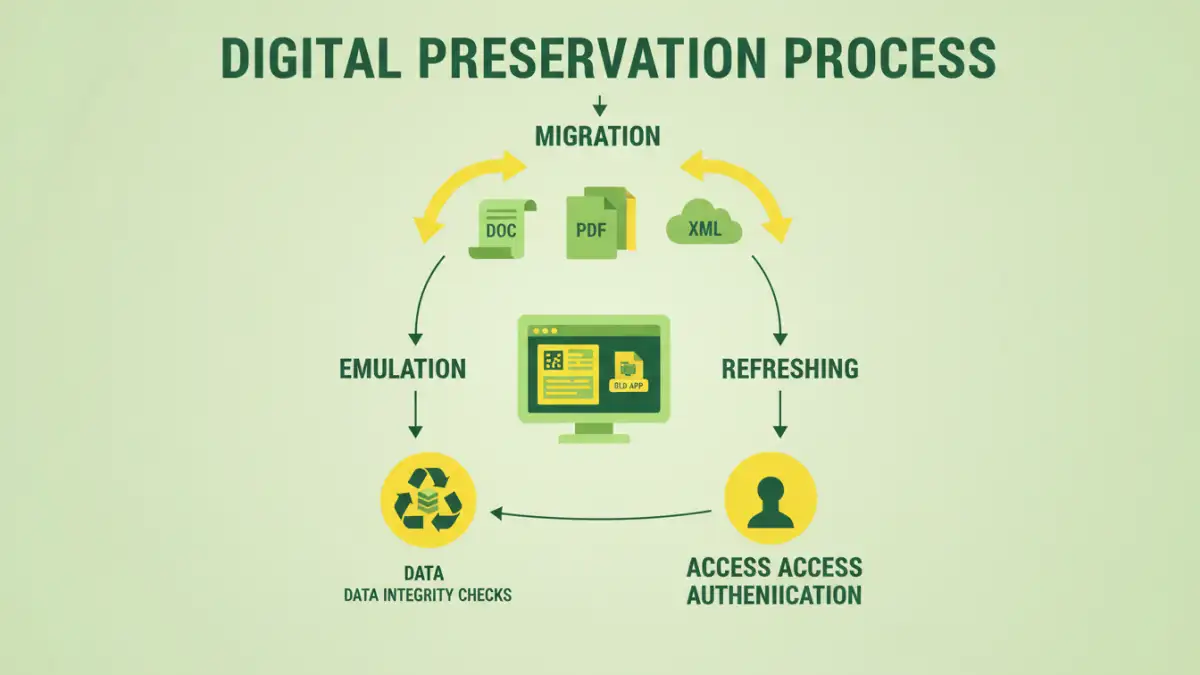
When we talk about legacy documents, we're often referring to files created using software that's no longer supported, or in formats that are proprietary and difficult to open with modern applications. This can include old word processing documents, database files, or even scanned images with outdated compression. The primary concern is that these files might become inaccessible due to software obsolescence or compatibility issues.
Format Obsolescence and Accessibility
My experience has shown that the biggest hurdle is often format obsolescence. I recall a project where a client needed to access financial reports from the late 90s, created in a now-defunct spreadsheet program. We had to painstakingly research and find emulators or conversion tools, which itself posed a risk if the tools weren't reputable. Simply put, if you can't open a document, its security is irrelevant, but its loss of utility is immense. Ensuring long-term accessibility is the first step to any security strategy.
Core Strategies for Safe Archiving
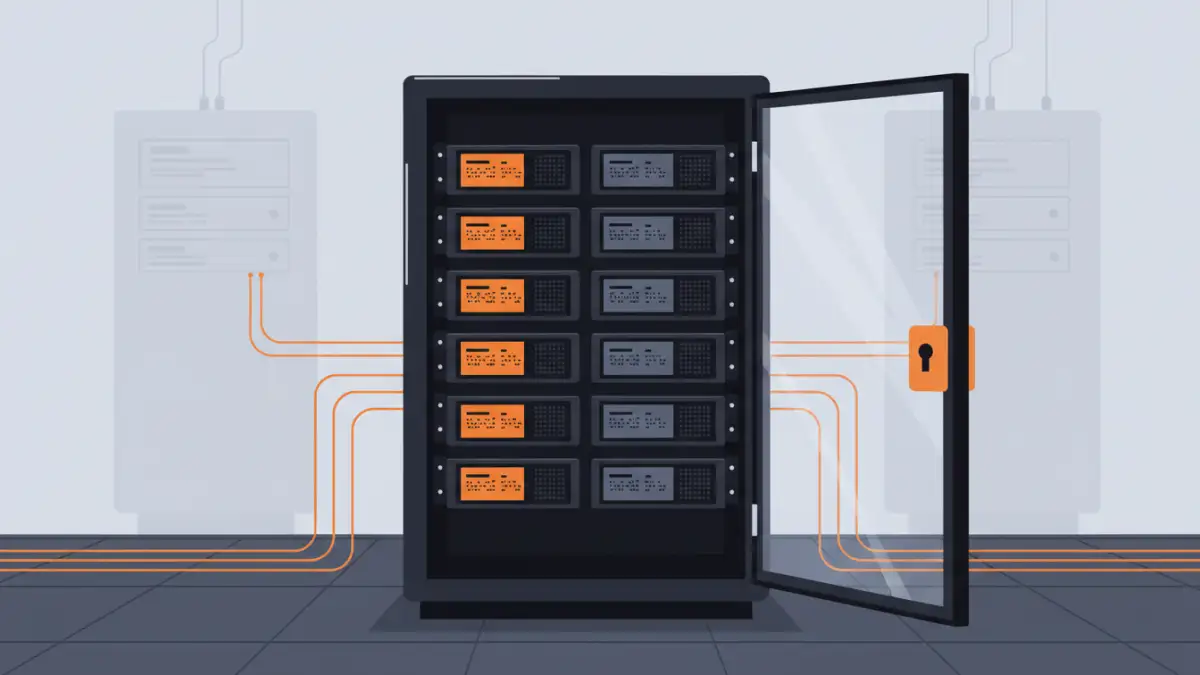
The foundation of safeguarding legacy documents lies in a multi-faceted approach that addresses both the physical and digital aspects of preservation. It's not just about putting files in a folder; it's about creating a robust system that anticipates future needs and threats.
One of the most critical strategies is migration. This involves converting legacy documents into more modern, universally accepted formats. For example, old .doc files can be converted to .docx or PDF, and proprietary image formats can be standardized to JPEG or TIFF. This process ensures compatibility with current and future software, making the documents easier to manage and secure. Regular backups are also non-negotiable.
Migration and Conversion Processes
When migrating, it's vital to choose formats that have strong community support and are likely to remain standard for a long time. Open standards are generally preferred over proprietary ones. During conversion, it's also wise to retain the original files in a secure, offline location as a fallback, in case the conversion process introduces errors or if there's a need to verify the original content.
Digital Preservation Techniques
Beyond simple migration, digital preservation involves a suite of techniques designed to maintain the integrity and accessibility of digital information over the long term. This is where true file preservation comes into play, moving beyond just basic security.
Emulation and refreshing are two key techniques. Emulation involves using software or hardware to mimic the environment in which the original document was created, allowing it to be accessed as intended. Refreshing, on the other hand, is the process of periodically migrating the data to new media or formats to prevent degradation or obsolescence. This ensures that the data remains usable and secure as technology evolves.
Access Control and Permissions
Once documents are secured and preserved, controlling who can access them is paramount. Implementing robust access control mechanisms ensures that only authorized individuals can view, edit, or delete sensitive legacy documents. This is crucial for maintaining the integrity and confidentiality of the archived information.
Using strong encryption for stored files adds another layer of security. Even if unauthorized individuals gain physical access to the storage media, the data will remain unreadable without the decryption key. Furthermore, implementing role-based access control (RBAC) ensures that users only have the permissions necessary for their roles, minimizing the risk of accidental or malicious data compromise.
Best Practices for Long-Term Security
To ensure the ongoing safety of your archived documents, adopting a set of consistent best practices is essential. This includes regular audits of your archiving system, staying informed about emerging security threats, and having a clear data retention and disposal policy.
Consider a hybrid approach to storage, combining secure cloud solutions for accessibility and disaster recovery with offline, air-gapped storage for the most sensitive or critical legacy documents. This redundancy offers a strong defense against various threats, from cyberattacks to physical disasters. Documenting all processes, including conversion logs, access policies, and backup schedules, is also vital for accountability and future reference.
Comparison Table: Document Archiving and Security Methods
| Method | Pros | Cons | Best For |
|---|---|---|---|
| Format Migration | Ensures future compatibility, easy management | Potential data loss/corruption during conversion, requires effort | Most general legacy documents |
| Emulation | Preserves original viewing environment and fidelity | Requires specific emulators, can be complex to set up | Documents requiring exact original presentation |
| Encryption (at rest) | Protects data from unauthorized access if storage is compromised | Requires key management, can slow down access | Sensitive and confidential documents |
| Regular Backups (Offline) | Protects against data loss, ransomware, and hardware failure | Requires physical management, can be slow to restore | Critical and irreplaceable legacy data |
| Cloud Archiving with Access Control | Scalable, accessible, built-in security features | Requires reliable internet, potential vendor lock-in, privacy concerns | Collaborative archives, frequently accessed data |