
I once had to transfer a 50 GB log file to a third-party auditor, and the security protocol was non-negotiable: end-to-end encryption. My first instinct, years ago, would have been to write a script to read the file, encrypt its contents, and write a new one. But loading a 50 GB file into memory is a recipe for disaster. The system would grind to a halt, if not crash entirely. This is a common bottleneck developers face when dealing with massive datasets.
The challenge isn't just about security; it's about performance and resource management. Encrypting multi-gigabyte files requires a different approach than securing a small document. You need methods that work with data streams, processing information in manageable pieces without overwhelming your system's memory.
Table of Contents
The Core Challenge: Memory and Performance
When you use a standard file encryption method, it often attempts to load the entire file's content into RAM. For a 200 MB file, this might be acceptable on a modern machine. But for a 10 GB, 50 GB, or even larger text file—like database dumps, application logs, or scientific data—this approach is a non-starter. It consumes all available memory, causing the operating system to swap heavily to disk, which drastically slows down the entire process.
This is the fundamental problem with naive file handling. You end up limited not by your CPU speed but by your available RAM. The goal of efficient, large text file encryption is to decouple the process from memory limitations, allowing you to encrypt a file of virtually any size smoothly and predictably.
The Solution: Streaming Ciphers and Chunking
The key to handling huge files is to stop thinking about them as a single entity and instead treat them as a stream of data. This is where two concepts come into play: stream ciphers and manual chunking.
Understanding Stream Ciphers
Unlike block ciphers that encrypt fixed-size blocks of data, stream ciphers work on smaller units, often byte by byte. They generate a pseudorandom stream of bits (called a keystream) and combine it with your plaintext data, typically using an XOR operation. This process is incredibly efficient and doesn't require the data to be padded to a specific block size.
Modern, secure algorithms like ChaCha20, or block ciphers like AES used in Counter (CTR) mode, effectively behave like stream ciphers. They are perfect for our use case because they can encrypt a stream of data as it comes in, without needing to know the total length of the file beforehand. This means we can read a piece of the file, encrypt it, write it out, and discard it from memory immediately.
The Chunking Strategy
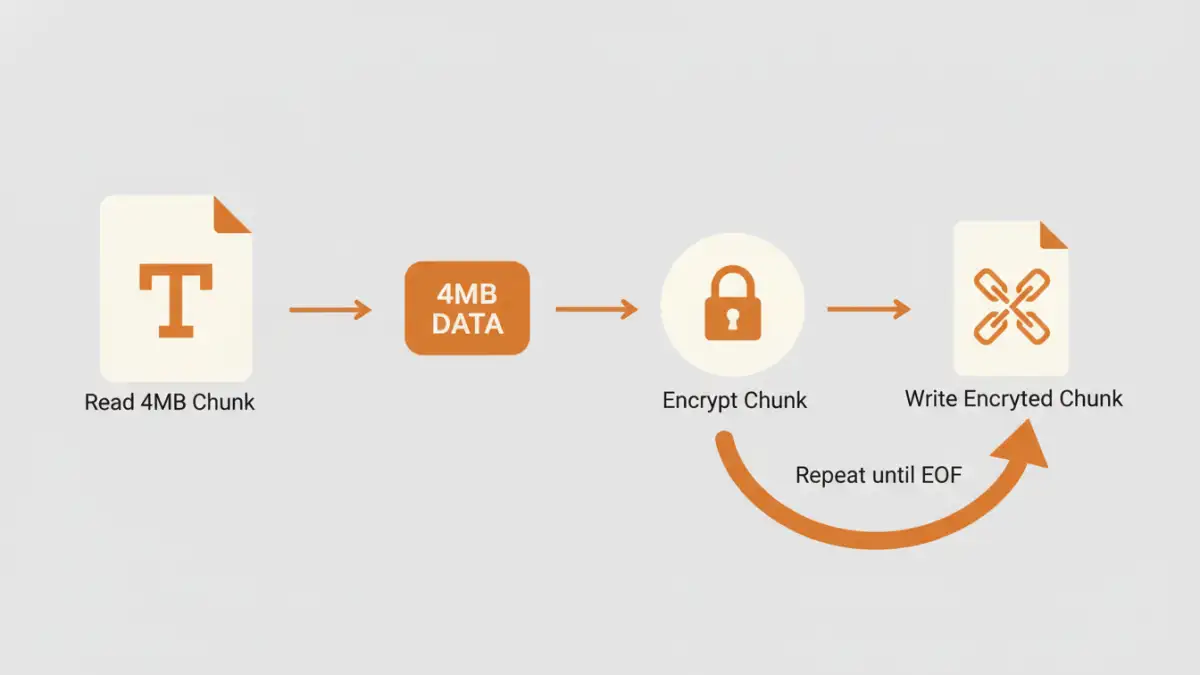
Chunking is the practical implementation of this streaming concept. Instead of reading the whole file, you read it in small, fixed-size chunks—for example, 4 MB at a time. The process looks like this:
- Open the source file for reading and the destination file for writing.
- Read a 4 MB chunk from the source file.
- Pass this chunk to the encryption function.
- Write the resulting encrypted chunk to the destination file.
- Repeat until you've read the entire source file.
This way, the maximum memory you ever use is the size of your chunk (plus some overhead), not the size of the entire file. This method is robust, scalable, and the standard for processing large data sets.
Practical Tools for Fast File Encryption
You don't always need to write a custom script to do this. Several battle-tested command-line tools are built to handle large files efficiently using these very principles.
OpenSSL
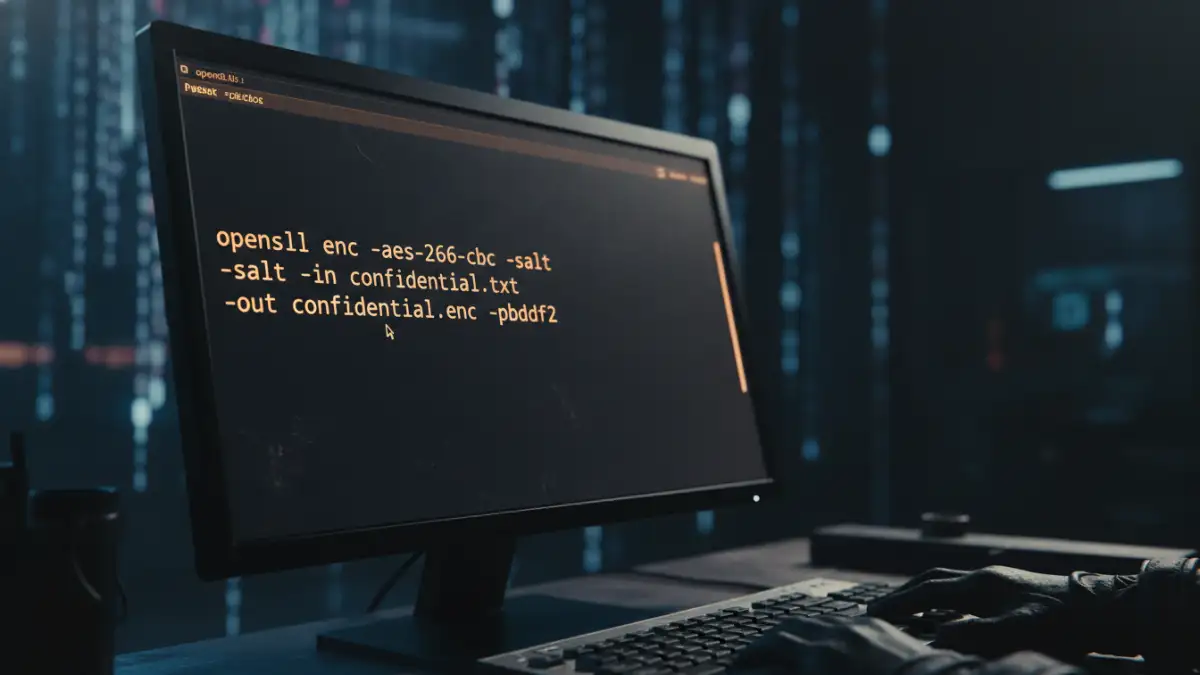
OpenSSL is a versatile cryptography toolkit available on most Linux, macOS, and Windows systems. It can perform streaming encryption directly from the command line. Using a cipher like AES-256 in CTR mode ensures high performance.
Here’s a sample command:
openssl enc -aes-256-ctr -pbkdf2 -in huge_log_file.txt -out huge_log_file.txt.enc
This command will prompt you for a password, derive a key using PBKDF2 (a secure key derivation function), and encrypt the file without loading it all into memory. It reads, encrypts, and writes in a streaming fashion.
GnuPG (GPG)
GPG is the gold standard for public-key (asymmetric) cryptography and is also excellent for symmetric encryption of large files. It's designed from the ground up to handle data streams, making it inherently suitable for huge files.
A simple symmetric encryption command would be:
gpg -c --cipher-algo AES256 huge_data.csv
This command creates an encrypted `huge_data.csv.gpg` file. GPG is particularly useful when you need to securely share the file with someone else, as you can use their public key to encrypt it, ensuring only they can decrypt it.
Best Practices for Big File Security Methods
Encrypting the data is only part of the story. To secure large text documents properly, you need to follow a few best practices.
- Use Authenticated Encryption (AEAD): Algorithms like AES-GCM or ChaCha20-Poly1305 not only encrypt your data but also provide authentication. This protects your data against tampering. An attacker cannot secretly modify the ciphertext without it being detected during decryption.
- Secure Key Management: The security of your encrypted file is entirely dependent on the security of your encryption key. Use a strong, unique password or, for automated systems, store keys securely in a vault system like HashiCorp Vault or AWS KMS. Avoid hardcoding keys in scripts.
- Verify Integrity: If you aren't using an AEAD cipher, you should create a separate hash of the original file (e.g., using SHA-256) and transmit it securely alongside the encrypted file. The recipient can then decrypt the file and verify its hash to ensure it wasn't corrupted or altered in transit.
By combining efficient techniques like streaming with strong cryptographic practices, you can confidently handle large text file encryption tasks without creating performance bottlenecks.
Tool and Technique Comparison for Encrypting Huge Files
| Method | How It Works | Performance | Best For |
|---|---|---|---|
| In-Memory Encryption (Naive) | Loads the entire file into RAM, encrypts, then writes. | Very poor for large files; high risk of crashing. | Small files only (< 500 MB). |
| OpenSSL (Stream Cipher) | Reads and encrypts the file as a continuous stream. | Excellent; constant, low memory usage. | Quick, secure encryption from the command line. |
| GnuPG (GPG) | Streams data through its cryptographic engine. | Excellent; optimized for large data streams. | Securely sharing encrypted files with others using public keys. |
| Custom Script (Chunking) | Manually read, encrypt, and write file in small chunks. | Very good; performance depends on chunk size and library. | Integrating encryption into applications (e.g., Python, Node.js). |
| Disk Encryption (e.g., BitLocker) | Encrypts the entire storage volume at the block level. | Good; transparent to the user with minimal overhead. | Securing data at rest on a physical or virtual drive. |