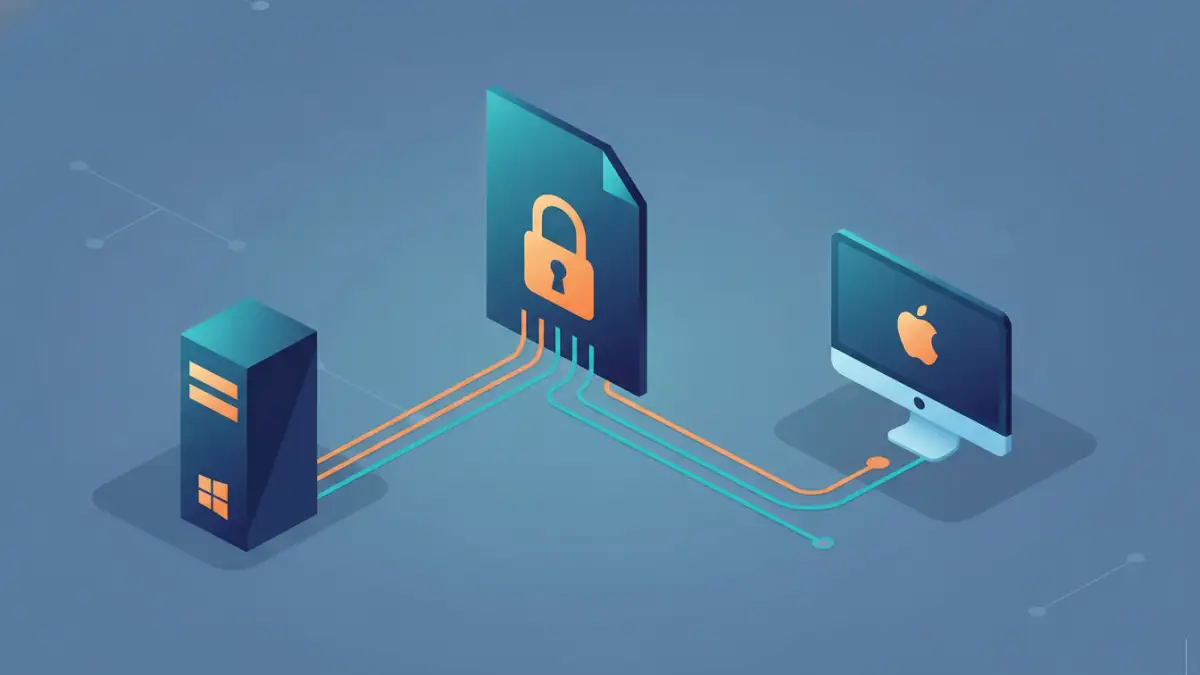
Working with password-protected documents can be frustrating, especially when a file that opens perfectly on one operating system suddenly becomes inaccessible on another. I've encountered this scenario numerous times throughout my career, often when collaborating with colleagues or transferring files between my personal Windows laptop and my work Mac. The promise of robust security through encryption is fantastic, but the reality of ensuring that security works seamlessly across different platforms can be a minefield.
This challenge is particularly acute for sensitive documents that require strong protection. Whether it's confidential business data, personal financial records, or creative intellectual property, ensuring its integrity and confidentiality across various devices and operating systems is paramount. When encryption methods clash between Mac and Windows, it doesn't just cause inconvenience; it can lead to significant security risks and data access issues.
Table of Contents
Understanding Cross-Platform Encryption
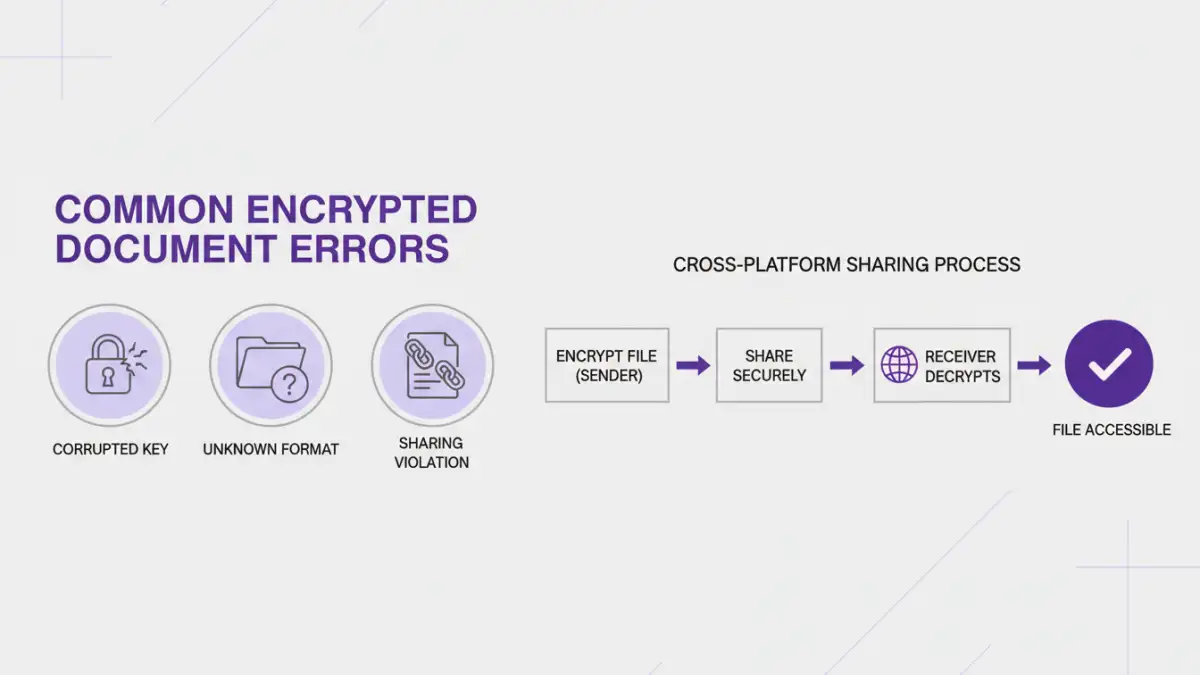
At its core, encryption transforms readable data into an unreadable format, requiring a key or password to decrypt. The complexity arises when different operating systems or applications implement encryption algorithms and standards in subtly different ways. While many modern encryption standards are designed to be universal, the way they are packaged and managed by the OS or specific software can lead to incompatibilities.
Encryption Standards and Implementations
Common encryption standards like AES (Advanced Encryption Standard) are widely adopted and generally reliable. However, the file formats and the specific modes of encryption used (e.g., AES-128 vs. AES-256, CBC vs. GCM modes) can vary. Furthermore, how metadata, such as encryption keys or salt values, is stored within the file can differ between platforms. This means a file encrypted using a specific method on Windows might not be recognized by default on macOS, and vice-versa.
Common Cross-Platform Encryption Issues
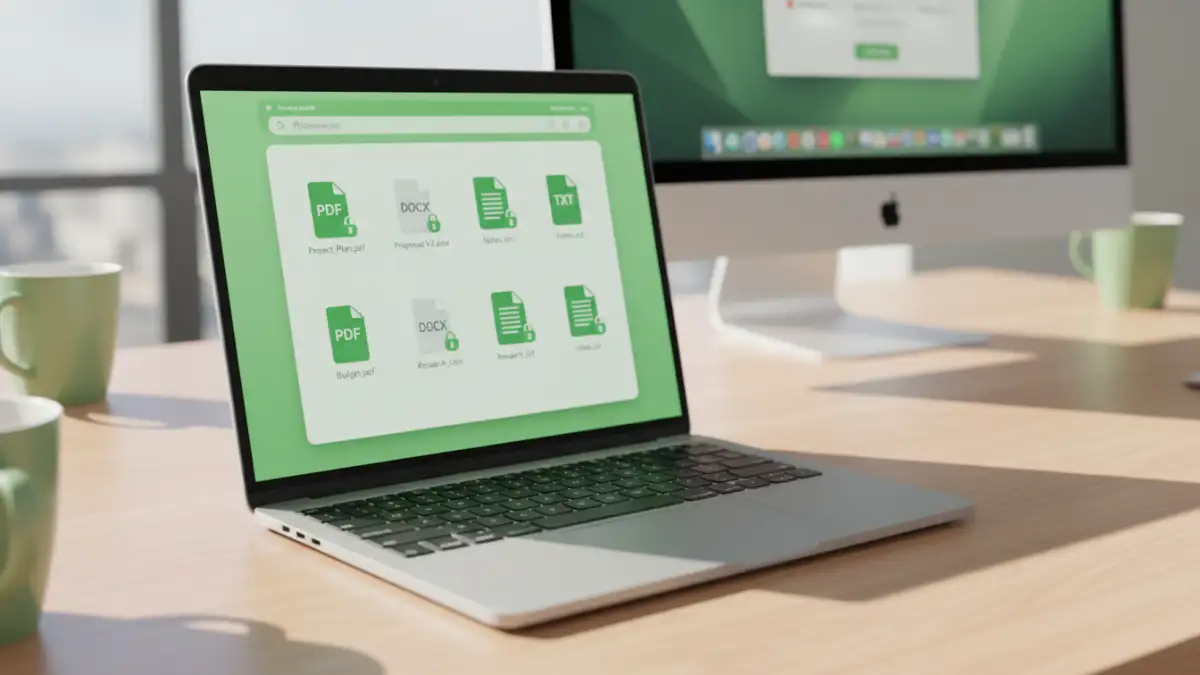
The most frequent problem users face is simply being unable to open an encrypted file on a different operating system than the one used for encryption. This often manifests as an error message stating the file is corrupted, the password is incorrect (even when it's known to be right), or the file type is unsupported. These encrypted document errors can be a significant hurdle for collaboration and data portability.
Another common issue relates to secure sharing problems. When you share an encrypted document, the recipient needs to have the correct software and understanding of the encryption method to access it. If you're using a platform-specific encryption tool (like BitLocker on Windows or FileVault on Mac for full disk encryption, which isn't directly for single files but illustrates the OS-level differences), it won't work for sharing individual files with users on a different OS. This necessitates using application-level encryption for documents.
Troubleshooting on Windows
When an encrypted document fails to open on Windows, the first step is to identify how it was encrypted. If it was encrypted using a built-in Windows tool like EFS (Encrypting File System), it's generally not designed for cross-platform sharing and will likely require specialized third-party tools or decryption on the original Windows machine. For common document types like Word or PDF files encrypted with a password within the application itself, Windows usually handles these well, provided the correct password is used.
If you're experiencing issues with files encrypted on a Mac, ensure you're using a universal encryption method. Many third-party encryption utilities are available for Windows that support common formats and algorithms, allowing you to open files encrypted on other platforms. Sometimes, simply re-saving the document after opening it with a compatible tool can help normalize it for future access.
Troubleshooting on Mac
On macOS, encrypted files often come from Windows users. If the file was encrypted using a Windows-specific utility or EFS, you'll likely encounter problems. macOS has robust built-in support for common archive formats that can be password protected (like ZIP files) and for application-level encryption in programs like Microsoft Office or Adobe Acrobat. These are generally good for cross-platform compatibility.
For files encrypted on Windows that won't open on Mac, consider using a free, cross-platform encryption tool. Many open-source encryption utilities are available that work on both Mac and Windows, such as VeraCrypt for container encryption or specific command-line tools if you're comfortable with them. Using a widely adopted standard like AES-256 within a common archive format is often the most reliable approach for Mac users dealing with Windows-encrypted files.
Best Practices for Secure Sharing
To avoid these cross-platform encryption issues, adopting a consistent approach is key. Whenever possible, use encryption methods that are application-specific and rely on widely supported standards. For example, password-protecting a PDF document using Adobe Acrobat's built-in features or encrypting a Microsoft Office document using its security options is generally more reliable for sharing than OS-level encryption.
When sharing sensitive files, always communicate the password securely through a separate channel (e.g., a phone call or a secure messaging app, not in the same email as the file). Additionally, consider using a universal archiving tool that supports password protection, like 7-Zip or WinRAR (though both have commercial licenses for business use, free options exist for personal use), which often offer better compatibility across Mac and Windows than native OS encryption methods. Testing the encrypted file on the recipient's platform before sending critical data can save a lot of headaches.
Comparison Table: Document Encryption Methods for Cross-Platform Use
| Method | Pros | Cons | Best For |
|---|---|---|---|
| Application-Level Encryption (e.g., Office, PDF) | Widely compatible, user-friendly interface, good security options (AES-128/256) | Relies on specific application, potential for weak passwords if not enforced | Securing individual documents (Word, Excel, PDF) for collaboration |
| Universal Archive Encryption (e.g., 7-Zip, WinRAR) | Supports various file types, strong encryption algorithms (AES-256), good cross-platform support | Requires recipient to have compatible software, can be less intuitive for non-technical users | Bundling and encrypting multiple files or folders |
| Third-Party Encryption Tools (e.g., VeraCrypt containers) | Very strong encryption, versatile (container files, partitions), cross-platform | Steeper learning curve, requires software installation on both ends, not ideal for simple file sharing | Creating secure, encrypted volumes for highly sensitive data |
| OS-Specific Encryption (e.g., EFS, FileVault) | Integrated into OS, strong protection for entire drives/files within OS | Generally NOT cross-platform compatible for individual files, limited to the OS ecosystem | Full disk encryption or securing files solely within one operating system |