
When dealing with sensitive project data, especially in engineering and architecture, ensuring the security of archived CAD files is paramount. These files often contain proprietary information, intricate designs, and critical project details that, if compromised, could lead to significant financial losses or competitive disadvantages. Maintaining robust security protocols for these digital assets isn't just good practice; it's a necessity in today's threat landscape.
From my experience, simply storing files on a network drive or in cloud storage isn't enough. We need to think critically about who can access them, how they are protected from unauthorized modification or theft, and how we can ensure their integrity over time. This involves a multi-layered approach, addressing both technical safeguards and procedural controls.
Table of Contents
Understanding Archived CAD Files
Archived CAD files represent a crucial part of a project's lifecycle. They are not actively being worked on but hold historical data, design revisions, and final approved plans. This makes them valuable targets for intellectual property theft and requires specific attention to their long-term storage and security. Ensuring archived document protection is key to maintaining project continuity and safeguarding valuable design assets.
The Importance of Legacy Data Security
Legacy CAD encryption is often overlooked because the projects are considered complete. However, these files can be revisited for future expansions, audits, or legal purposes. Protecting this legacy data ensures that your company's intellectual property remains secure and accessible only to authorized personnel, preventing misuse or unauthorized replication of designs.
Implementing Access Controls
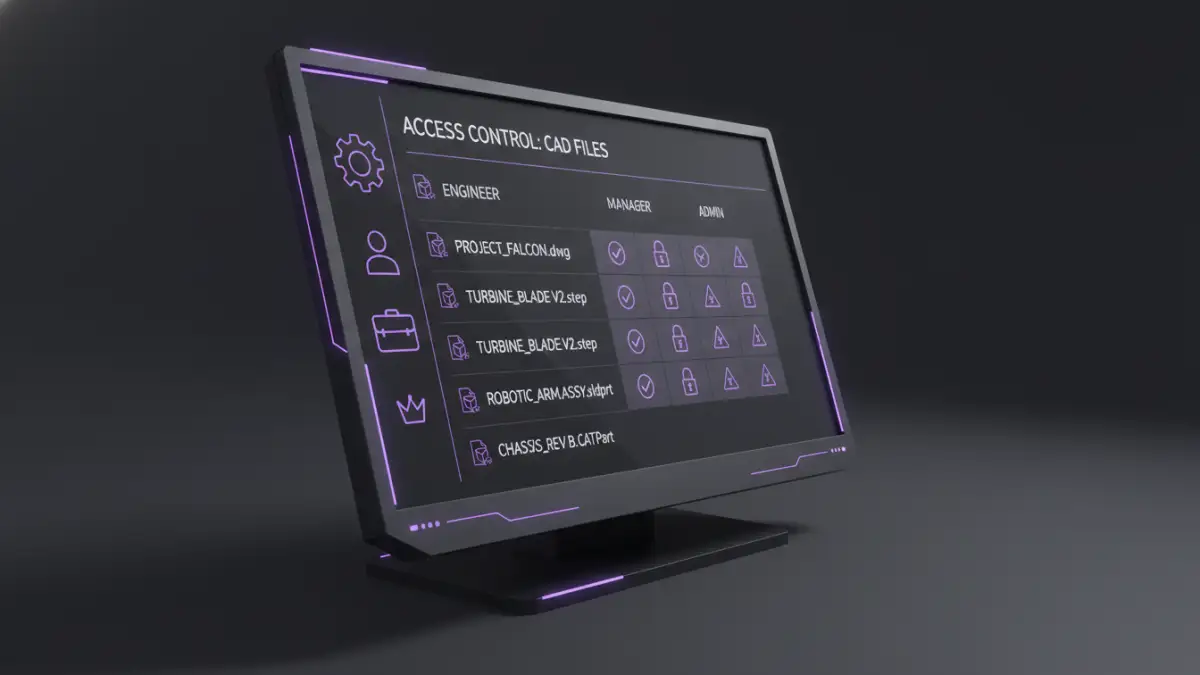
One of the most fundamental aspects of security is controlling who can access your files. This involves implementing strict permissions on your servers or cloud storage. For CAD files, this means ensuring that only the project team members, relevant stakeholders, or authorized administrators have read or write access.
Role-Based Access and Permissions
Implementing role-based access control (RBAC) is highly effective. This system assigns permissions based on an individual's role within the organization or project. For instance, design engineers might have full edit access to active projects, while archive managers might only have read access to historical data. This granular control minimizes the risk of accidental data alteration or unauthorized access to sensitive technical drawing safety information.
Encryption Methods for CAD Data
Encryption is a powerful tool for protecting sensitive information. When applied to archived CAD files, it renders the data unreadable to anyone without the correct decryption key or password. This is essential for protecting against data breaches, especially if storage media is lost or stolen.
File-Level vs. Disk-Level Encryption
File-level encryption encrypts individual CAD files. This offers precise control, allowing specific files or folders to be secured. Disk-level encryption, on the other hand, encrypts an entire storage drive. While simpler to manage for a whole system, it might be less flexible for selectively securing archived data. Many modern archiving solutions offer robust file-level encryption options tailored for large data sets like CAD drawings.
Password Management for Encrypted Files
The strength of file-level encryption often relies on the password used. Using complex, unique passwords and managing them securely is critical. Password managers can be invaluable for generating and storing strong credentials, ensuring that your archived document protection remains effective against brute-force attacks.
Backup and Recovery Strategies
Security isn't just about preventing unauthorized access; it's also about ensuring data availability. A comprehensive backup and recovery plan is vital for protecting against data loss due to hardware failure, cyberattacks, or accidental deletion. Regularly backing up your archived CAD files to a separate, secure location is non-negotiable.
3-2-1 Backup Rule
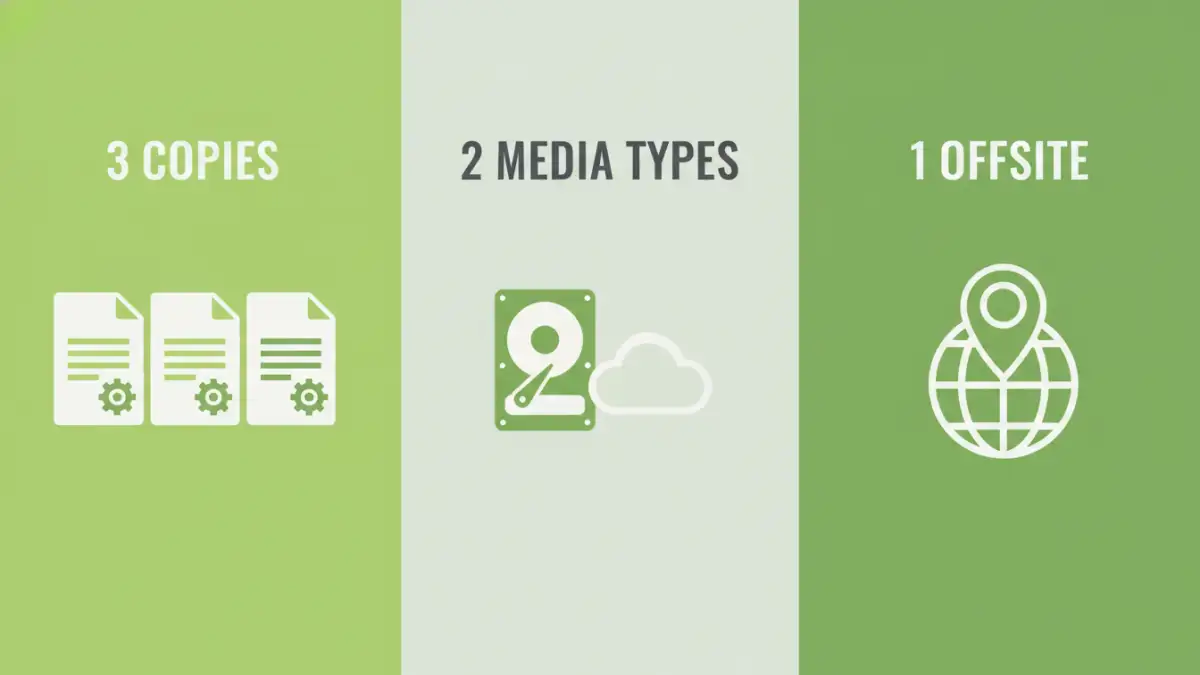
Following the 3-2-1 backup rule—three copies of your data, on two different types of media, with one copy offsite—is a robust strategy. This ensures that even if one backup location is compromised or inaccessible, you have other copies available for recovery. For critical CAD archives, this redundancy is essential.
Comprehensive Best Practices
Beyond technical controls, establishing clear policies and procedures is crucial for maintaining the security of your archived CAD files. Regular audits, employee training, and secure disposal of old media are all part of a holistic security approach.
Regular Audits and Monitoring
Periodically review access logs and security configurations to identify any suspicious activity or vulnerabilities. This proactive approach helps in detecting and mitigating potential threats before they can cause significant damage. Ensuring the integrity of your cad file security measures requires ongoing vigilance.
Secure Disposal of Media
When storage media containing archived CAD files reaches the end of its life, it must be securely disposed of. Simply deleting files is not enough, as data can often be recovered. Physical destruction of hard drives, SSDs, or tapes is the most secure method to ensure that sensitive design information cannot be retrieved.
Comparison Table: Security Methods for Archived CAD Files
| Method | Description | Pros | Cons | Best For |
|---|---|---|---|---|
| File-Level Encryption | Encrypts individual files or folders. | Granular control, selective security. | Requires careful key/password management. | Protecting specific sensitive archives. |
| Disk-Level Encryption | Encrypts an entire storage drive. | Easier to implement for whole systems. | Less flexible for individual files. | Securing entire workstations or servers. |
| Access Control Lists (ACLs) | Defines permissions for users/groups on files/folders. | Precise control over who can access/modify. | Can be complex to manage at scale. | Limiting access to project teams. |
| Secure Cloud Archiving | Storing archives on specialized, secured cloud platforms. | Offsite storage, often with built-in encryption and access controls. | Reliance on provider's security, potential costs. | Organizations seeking offsite, managed solutions. |
| Physical Destruction | Physically destroying storage media containing data. | Ensures data is irrecoverable. | Requires specialized services or equipment. | End-of-life media disposal. |