
Have you ever needed to secure sensitive documents but weren't sure whether to use simple password protection or full PDF encryption? This is a common point of confusion I've encountered many times over my career, especially when advising colleagues on best practices for handling confidential data. While often used interchangeably, these two concepts have distinct technical underpinnings and offer different levels of security.
Table of Contents
Understanding the Nuances of PDF Security
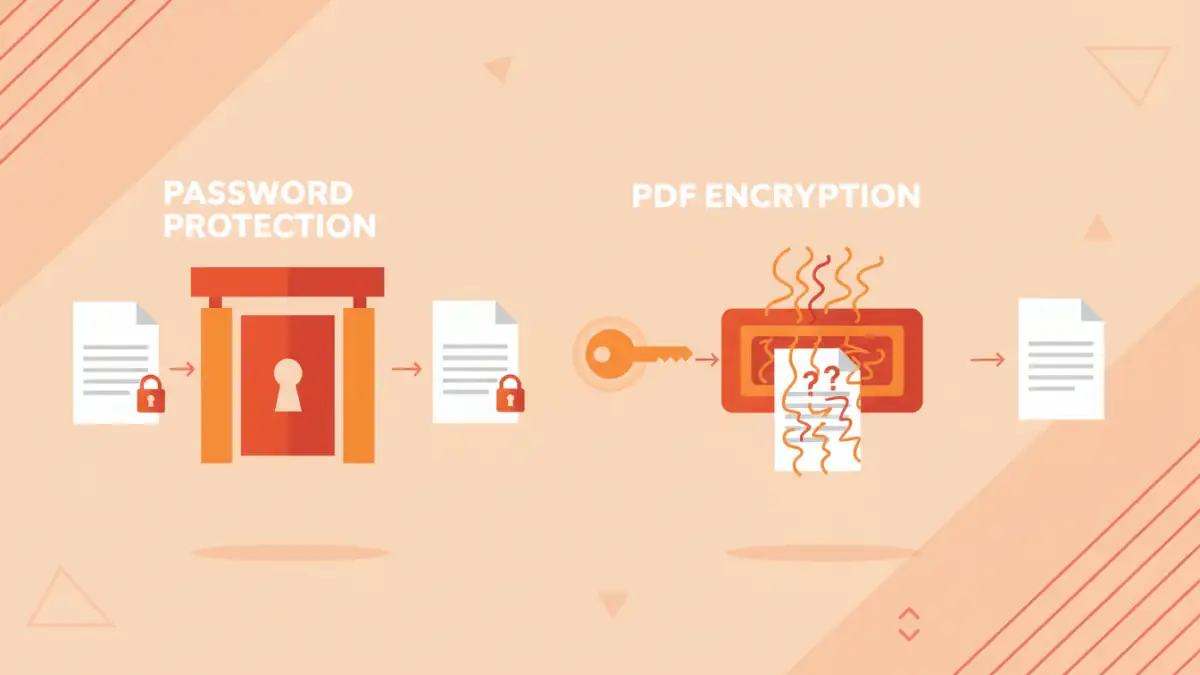
When we talk about securing a PDF, we're usually referring to restricting access or modifications. The terms 'encryption' and 'password protection' often get conflated, but they represent different layers or mechanisms of security. It's important to differentiate them to truly understand the protection level.
What is Password Protection in PDFs?
In the context of PDFs, 'password protection' typically refers to setting a password that prevents unauthorized actions. There are generally two types of passwords you can apply: an 'open' password (also known as a user password) and a 'permissions' password (or owner password).
The user password restricts who can open and view the document at all. Without this password, the PDF file remains inaccessible. The owner password, on the other hand, controls what actions can be performed on the document once it's opened, such as printing, editing, copying content, or adding comments.
What is PDF Encryption?
PDF encryption is a more fundamental security measure that scrambles the actual content of the document, making it unreadable without the correct decryption key. When you apply a password to a PDF, especially an 'open' password, you are almost always initiating an encryption process behind the scenes. The password you provide is used to derive the encryption key.
This means that true PDF encryption scrambles the data itself, not just puts a lock on the file. If someone bypasses the password prompt, they would still face scrambled data unless they also had the decryption key. Modern PDF encryption standards use robust algorithms like AES (Advanced Encryption Standard).
Technical Deep Dive: How They Work
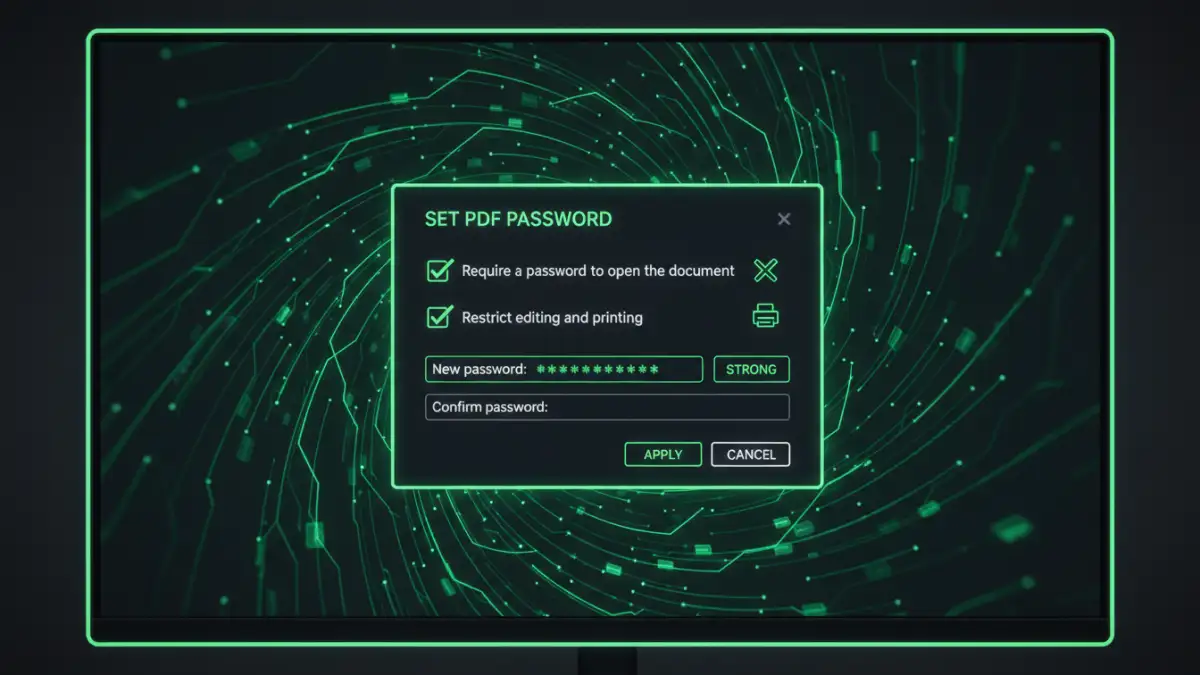
To truly compare pdf encryption vs password, we need to look at the underlying mechanisms. It's not just about a prompt asking for a string of characters; it's about how that string influences the file's data.
User Passwords and Owner Passwords Under the Hood
When you set a user password, the PDF software encrypts the document's content. The password acts as the key. If you set an owner password, the software doesn't necessarily encrypt the entire document's content, but rather encrypts the permissions settings within the PDF metadata. This means the content itself might be readable if the permission encryption is weak or bypassed, but the software will enforce the restrictions if it respects the encrypted permissions.
My experience debugging document processing systems has shown that some older PDF readers or less compliant software might ignore owner password restrictions. This highlights a potential weakness: the security relies on the reader software's adherence to the standard, not just the encryption itself.
Encryption Algorithms and Key Strength
Modern PDF encryption uses strong algorithms. For instance, AES-256 is a common standard, offering 256-bit encryption keys. This level of encryption is considered extremely robust and practically unbreakable by brute force with current computational power. Older standards, like RC4 with 40-bit or 128-bit keys, are significantly weaker and more susceptible to attacks.
The strength of the actual password you choose is paramount. Even with AES-256 encryption, a weak password like '123456' makes the 'encryption' effectively useless, as the key can be easily guessed. The password is the seed for the encryption key, so its complexity directly impacts the security of the encrypted file.
Assessing Strength and Vulnerabilities
When evaluating pdf encryption vs password, we must consider how each stands up against various attack vectors. It's not just about what they *can* do, but what they *can't* prevent.
Brute-Force and Dictionary Attacks
The primary vulnerability for both password-protected and encrypted PDFs lies with the password itself. Brute-force attacks try every possible character combination, while dictionary attacks use lists of common words and phrases. A strong, complex password (long, mixed characters) is your best defense against these.
While AES-256 encryption is strong, a weak password means the attacker doesn't need to break the encryption algorithm; they just need to guess the key, which is derived directly from your password. This is why multi-factor authentication or certificate-based encryption is often preferred for extremely sensitive data.
Metadata and Content Protection
Full PDF encryption, when implemented correctly with a strong user password, encrypts the document's content, including text, images, and embedded objects. However, some metadata (like author, creation date, or even some file structure information) might remain unencrypted, depending on the PDF version and encryption settings.
Owner passwords, designed to restrict permissions, are more about controlling user actions than protecting content directly. If the content isn't also protected by a strong user password and robust encryption, it could potentially be extracted or viewed by bypassing the permission settings, for example, by using specialized tools.
Practical Scenarios and Best Practices
Knowing the technical differences helps in making informed decisions for your pdf security options. Here's how I typically guide teams on choosing the right approach.
When to Use Which Method
- Simple Password Protection (Owner Password): Useful for light restrictions, like preventing accidental printing or copying by a trusted recipient. It's more of a deterrent than a robust security measure.
- Full PDF Encryption (User Password): Essential for truly sensitive documents that must not be viewed by unauthorized individuals. This is your go-to for confidential reports, financial statements, or personal data. Always use a strong, unique password.
- Digital Signatures: While not encryption, digital signatures ensure document authenticity and integrity. They prove who signed the document and that it hasn't been tampered with since. Often used in conjunction with encryption for comprehensive security.
Layering Security for Maximum Protection
For critical documents, I always recommend a layered approach. This might involve:
- Using strong PDF encryption with a robust user password.
- Storing the PDF in an encrypted container or secure cloud storage.
- Transmitting the PDF over an encrypted channel (e.g., HTTPS, secure email).
- Implementing access controls on the storage location itself.
No single security measure is foolproof. Combining methods significantly increases the effort an attacker needs to compromise your data. Remember, the weakest link is often the human element or a poorly chosen password.
Comparison Table
| Feature | Password Protection (Owner) | PDF Encryption (User) | Digital Signatures | Best Use Case |
|---|---|---|---|---|
| Primary Goal | Restrict actions (print, edit) | Prevent unauthorized viewing | Verify authenticity/integrity | Casual sharing with minor restrictions |
| Data Scrambling | No (only permissions) | Yes (content encrypted) | No (content hashed) | Confidential data, highly sensitive files |
| Strength | Weak (easily bypassed) | Strong (with good password/algorithm) | High (cryptographic proof) | Legal documents, contracts |
| Key Vulnerability | Software compliance, permission bypass | Weak password, old algorithms | Compromised signing key | Varies |