
Navigating the complexities of healthcare data security, especially concerning protected health information (PHI), requires constant vigilance. As a software engineer who has spent years working on secure systems, I've seen firsthand how crucial it is to keep up with evolving regulations and technologies. One area that frequently demands attention is how we handle sensitive documents, particularly PDFs, and ensure they meet stringent compliance standards like HIPAA.
The Health Insurance Portability and Accountability Act (HIPAA) sets the bar for protecting sensitive patient data. When it comes to digital documents, encryption is a cornerstone of this protection. However, the landscape of encryption tools and best practices is always shifting. Staying informed about the latest updates regarding HIPAA pdf encryption is not just good practice; it's a necessity for any organization handling PHI.
Table of Contents
Understanding HIPAA and PDF Encryption
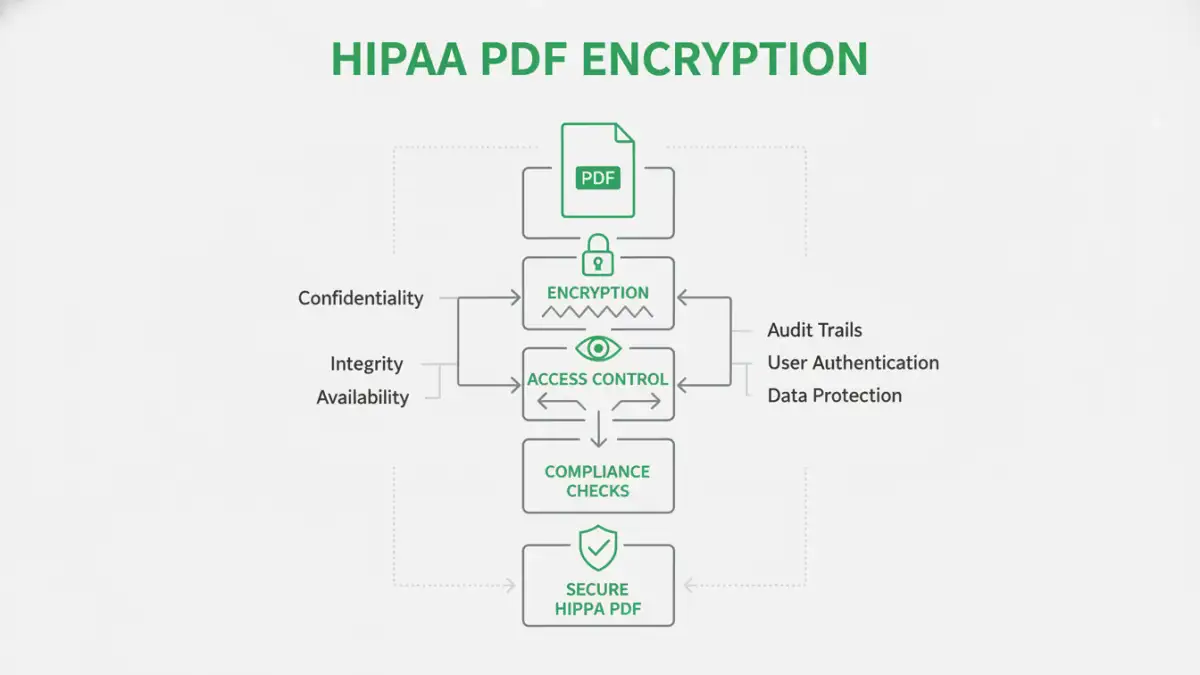
HIPAA's Security Rule mandates that covered entities and their business associates implement administrative, physical, and technical safeguards to protect electronic PHI (ePHI). Encryption is a key technical safeguard. It renders ePHI unreadable, indecipherable, and unusable to unauthorized persons. When applied to PDF documents, this means using robust encryption methods to prevent unauthorized access, modification, or disclosure of sensitive health information contained within.
The Role of Encryption in HIPAA
For PDFs, this typically involves password protection with strong encryption algorithms. However, simply applying a password isn't always enough. HIPAA compliance requires that the encryption method itself is secure and that access controls are properly managed. This includes ensuring that passwords are strong, stored securely, and that access to encrypted files is limited to authorized personnel.
Latest HIPAA Updates Affecting Encryption
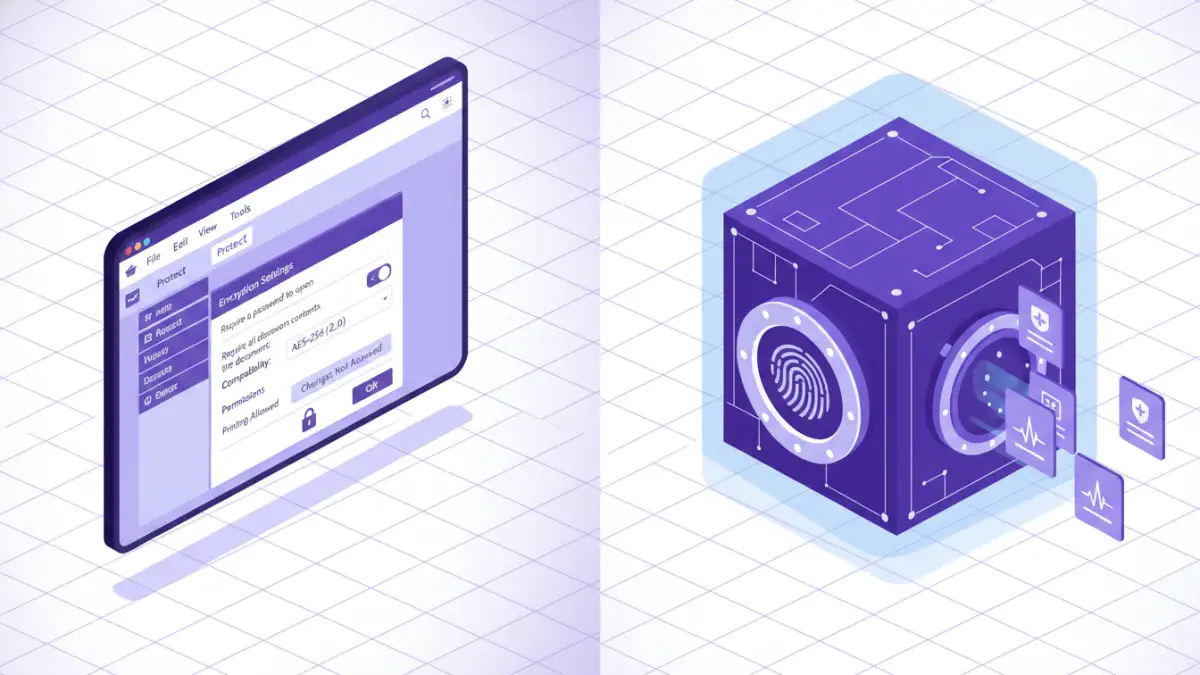
While HIPAA itself doesn't dictate specific encryption algorithms, regulatory bodies and guidance documents emphasize the use of industry-standard, strong encryption. Recent trends and interpretations lean towards recommending or requiring encryption methods that align with NIST (National Institute of Standards and Technology) guidelines. For PDFs, this means moving beyond older, weaker encryption standards towards robust AES (Advanced Encryption Standard) encryption, often AES-256.
The Office for Civil Rights (OCR) continually provides guidance and clarifies expectations. Recent focus areas include the importance of encryption for data at rest (stored files) as well as data in transit (files being sent). This means that not only should your stored PDFs be encrypted, but any transmission of these files, even if encrypted, must also be secure. The emphasis is on a comprehensive security posture, not just isolated technical solutions.
Best Practices for HIPAA Compliant PDF Encryption
Implementing effective HIPAA pdf encryption involves more than just ticking a box. My experience has shown that a multi-layered approach yields the best results. This includes robust password policies, regular security audits, and comprehensive employee training on data handling procedures. It’s about building a culture of security awareness.
Key Elements of a Strong Strategy
When securing PDFs, consider these best practices: always use strong, unique passwords; enable AES-256 encryption if your PDF software supports it; limit access to encrypted files to only those who absolutely need it; and maintain audit logs of who accessed which files and when. Regularly review and update your security protocols to adapt to new threats and regulatory guidance.
Choosing the Right Tools
Selecting the right software for PDF encryption is crucial. Many tools offer varying levels of security and features. Adobe Acrobat Pro is a common choice, offering robust password protection and AES encryption. However, there are also many other third-party applications and even built-in operating system features that can provide adequate security, provided they meet the necessary standards.
When evaluating tools, look for options that explicitly state support for strong encryption algorithms like AES-256. Consider ease of use for your team, as complex tools can lead to errors or workarounds that compromise security. For healthcare document security, prioritizing reliability and compliance certifications is paramount.
Common Pitfalls to Avoid
One common mistake is relying on weak or default passwords. Another pitfall is encrypting a document but then sharing the password insecurely, such as via email. It's also vital to understand that if a PDF is protected by a password that the owner knows, it might not be considered sufficiently protected under certain HIPAA interpretations if that password is weak or easily discoverable. Ensure your encryption methods are not easily bypassed.
Failing to regularly update encryption software or review access controls can also create vulnerabilities. The threat landscape is constantly evolving, and so should your security measures. Staying proactive rather than reactive is key to maintaining HIPAA compliance and safeguarding secure health files.
Comparison Table: PDF Encryption Methods for HIPAA Compliance
| Method | Encryption Strength | Ease of Use | HIPAA Compliance Suitability | Notes |
|---|---|---|---|---|
| Built-in PDF Reader Password | Varies (often AES-128/256) | Easy | Moderate to High (with strong passwords) | Ensure software supports strong AES encryption; password management is critical. |
| Dedicated PDF Security Software | High (AES-256 standard) | Moderate | High | Offers advanced features like batch encryption, granular permissions. Requires purchase. |
| Third-Party Online Tools | Varies (often AES-256) | Very Easy | Low to Moderate (Privacy Concerns) | Use with caution; ensure provider has strong security and privacy policies. Not recommended for highly sensitive PHI. |
| Document Management Systems (DMS) with Encryption | High (AES-256+) | Moderate to High | Very High | Integrated solution for storing, managing, and securing documents; often includes audit trails. |