Working with password-protected PDF files can quickly become a roadblock, especially when you need to edit, print, or simply access a document you have the right to use. I've seen this issue trip up colleagues more times than I can count, often right before a critical deadline. The good news is that removing these restrictions on a Windows machine is often simpler than you might think, and doesn't always require paid software.
Table of Contents
- Understanding PDF Password Types
- The Owner Password (Permissions Password)
- The User Password (Open Password)
- The Easiest Method: Using Your Web Browser
- Top Online Tools to Unlock PDF Files
- Dedicated Desktop Software for Windows
- Comparison of PDF Password Removal Methods
- FAQs
- Is it legal to remove a password from a PDF file?
- Are online PDF password remover tools safe to use?
- What if the browser 'Save as PDF' trick doesn't work?
Understanding PDF Password Types
Before we dive into the solutions, it's crucial to understand that PDF files can have two different types of passwords. Knowing which one you're dealing with will determine the best method to use. As a developer, I always start by diagnosing the problem, and in this case, that means identifying the lock.
The Owner Password (Permissions Password)
This is the more common type of protection. An owner password doesn't prevent you from opening the file, but it restricts what you can do with it. This includes actions like printing, copying text, editing the document, or adding comments. If you can view the PDF but can't print it, you're dealing with an owner password.
The User Password (Open Password)
A user password is a much stronger lock. It completely encrypts the file and prevents anyone from opening and viewing its contents without entering the correct password first. Removing this type of password without knowing it is significantly more difficult and often requires specialized software that attempts to recover the password through brute-force methods, which can take a very long time.
The Easiest Method: Using Your Web Browser
For PDFs protected only by an owner password, the simplest trick is right inside your web browser. I recommend this method first because it's fast, free, and requires no additional software. It works by essentially 're-printing' the document into a new, unrestricted PDF file.
Here’s how it works in Google Chrome (the process is similar in Firefox and Edge):
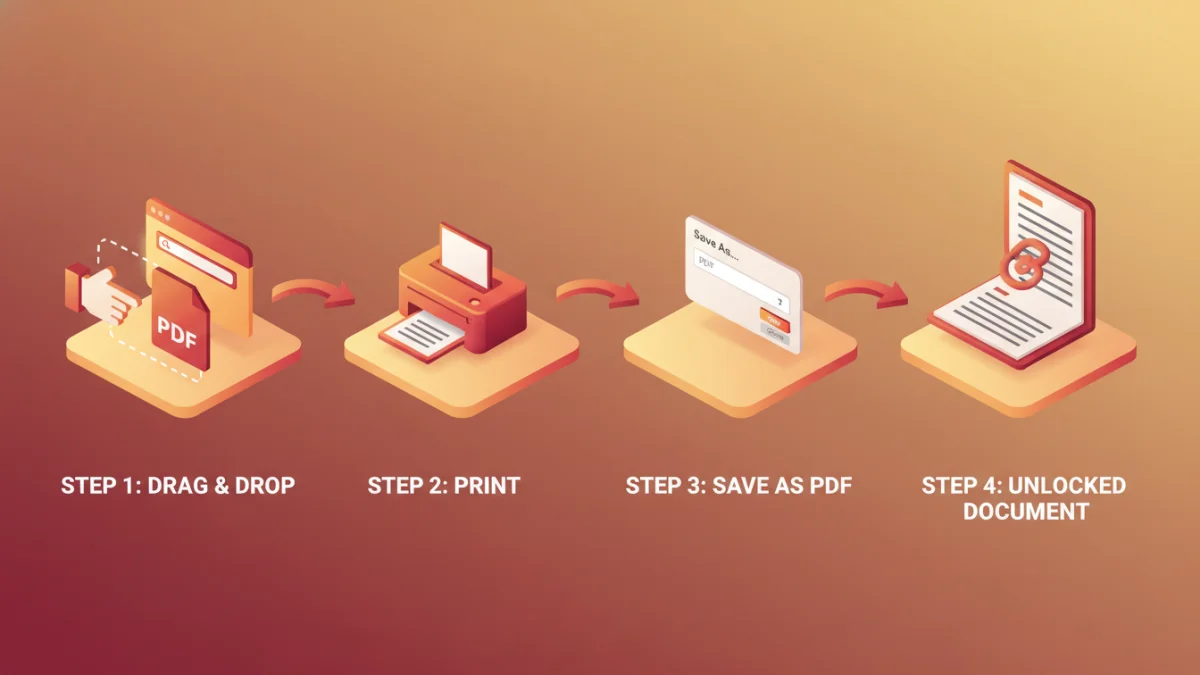
- Drag and drop the password-protected PDF file into an open Chrome browser window.
- If it's an owner password, the file will open without asking for credentials. If it's a user password, you'll need to enter it to proceed.
- Once the document is visible, press Ctrl + P (or Cmd + P on Mac) to open the print dialog.
- In the 'Destination' dropdown menu, select 'Save as PDF'.
- Click the 'Save' button and choose a location on your computer.
The new file you just saved is a clean copy of the original, but without any of the printing or copying restrictions. It's a remarkably effective way to remove pdf password protection for simple cases.
Top Online Tools to Unlock PDF Files
If the browser trick doesn't work or you prefer a dedicated tool, several excellent online services can help. Websites like Smallpdf, iLovePDF, and Soda PDF offer a free pdf password remover feature. The process is usually straightforward: you upload your file, confirm you have the right to edit it, and the service processes it for you.
While incredibly convenient, I always caution people about privacy. When you upload a document to a third-party server, you lose control over that data. For sensitive or confidential information, I would strongly advise against using an online tool. However, for non-sensitive documents, they are a fantastic and quick solution.
Dedicated Desktop Software for Windows
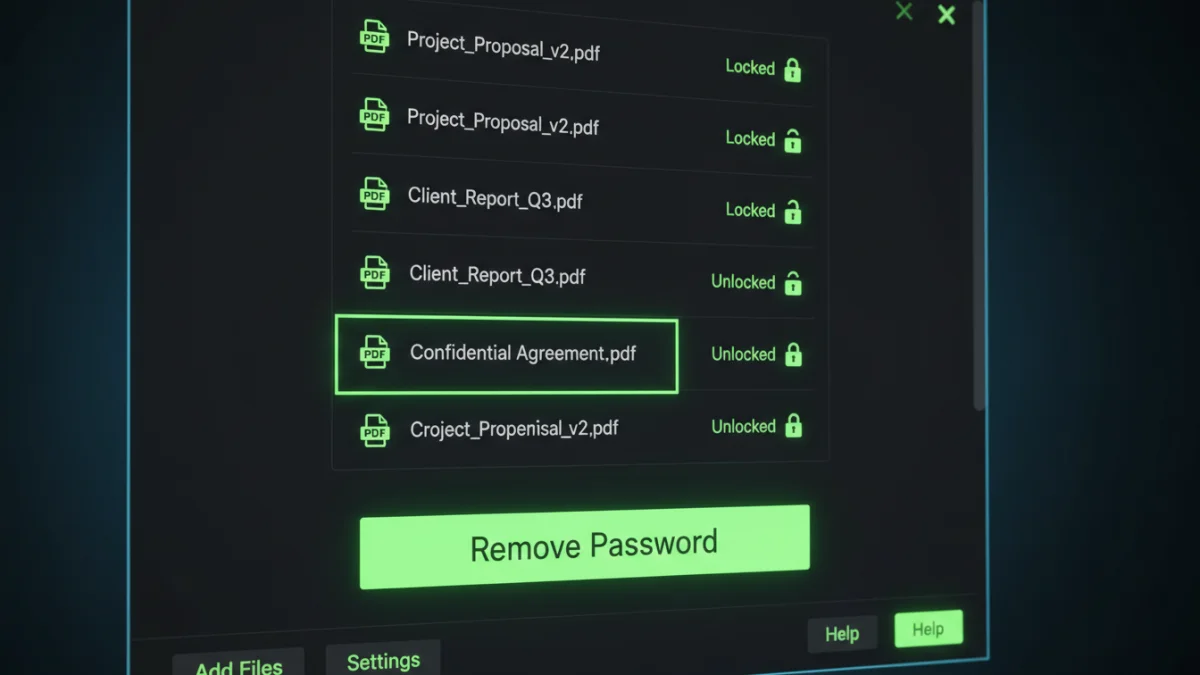
For maximum security, power, and offline access, nothing beats dedicated desktop software. This is the best route for handling sensitive documents, batch processing multiple files, or dealing with stubborn user passwords. For those who need a reliable offline solution, a dedicated pdf password remover windows download now option is the most secure choice.
These programs run entirely on your local machine, ensuring your files never leave your computer. Many offer advanced features, including password recovery for files where the password is lost. While some advanced tools are paid, there are free versions available that can handle most basic password removal tasks effectively.
Comparison of PDF Password Removal Methods
| Method | Pros | Cons | Best For |
|---|---|---|---|
| Web Browser Trick | Completely free, no extra software, secure (offline process). | Only works for owner (permissions) passwords, not user (open) passwords. | Quickly removing print/copy restrictions from non-critical files. |
| Online Tools | Very easy to use, fast, accessible from any device. | Major privacy and security concerns for sensitive documents. | Unlocking non-confidential PDFs when you're away from your main PC. |
| Desktop Software | Highest security (offline), can handle both password types, often has batch processing. | Requires installation, powerful features may require a paid version. | Professionals, sensitive documents, and removing user passwords. |